Skip the Expensive Head Unit: Here’s How to Add Android Auto to Any Car
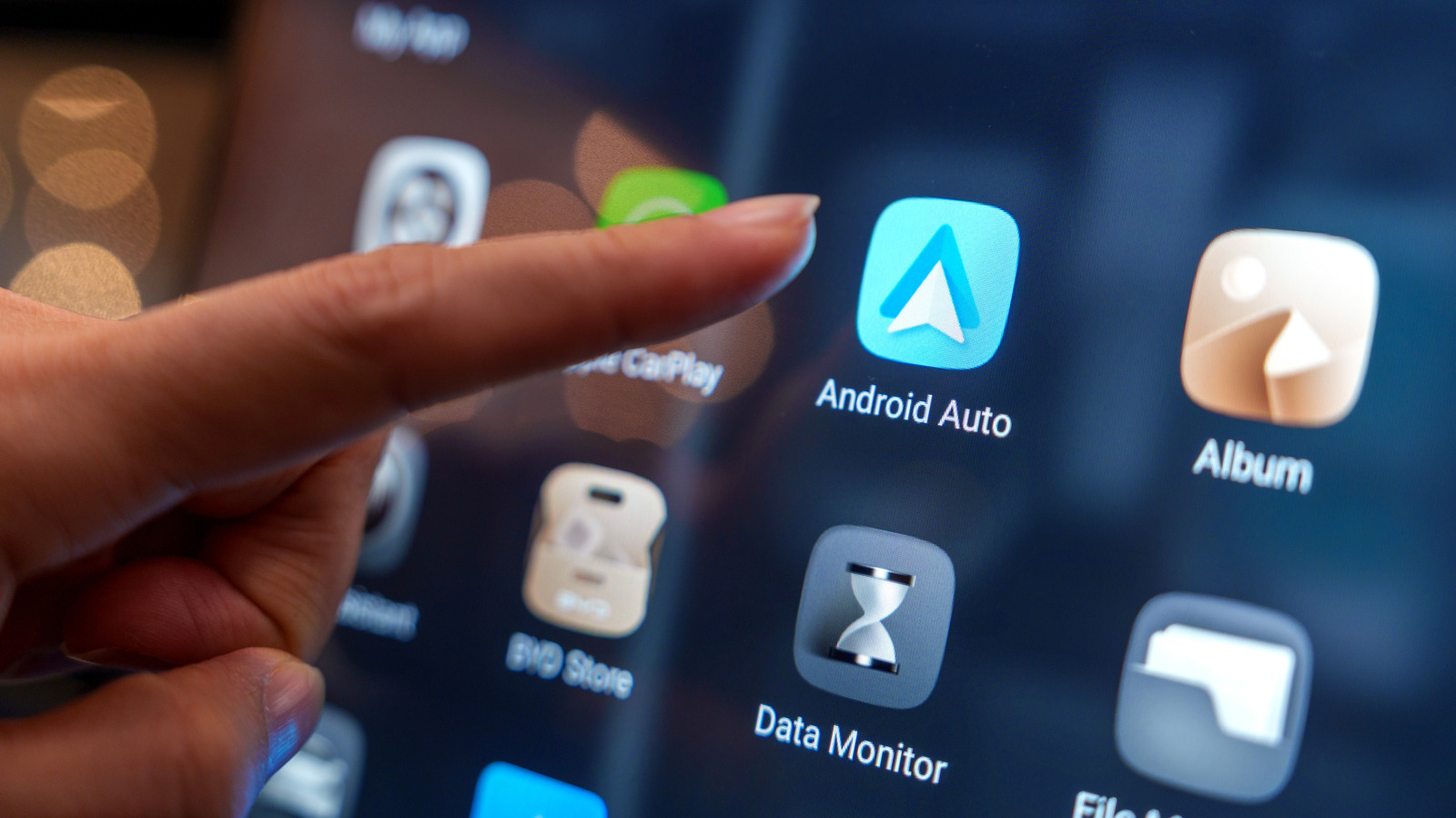
Android Auto arrived in 2015, debuting in the Hyundai Sonata and quickly becoming a must-have for drivers who live outside Apple’s ecosystem. But if your car didn’t roll off the line with it, you might think you’re stuck. Not so. While some automakers are now dropping smartphone mirroring altogether, the aftermarket world is packed with head units that support both Android Auto and Apple CarPlay.
The catch? A new head unit can run you hundreds of dollars, plus the headache of installation, whether you DIY or pay a pro.
Here’s the good news: you don’t have to replace your dashboard. A portable, standalone screen that mounts to your windshield or dash can bring Android Auto to your car for a fraction of the cost. These devices plug into a 12-volt socket or USB port and connect to your car’s stereo via an auxiliary cable, FM radio, or even Bluetooth if your vehicle already has it.
No wiring, no trim removal, no dash surgery. It’s a practical solution for older cars or for drivers who aren’t planning to keep their vehicle long-term.
Of course, there are trade-offs. A portable screen won’t look as clean as a properly installed head unit, think suction cups and exposed cables. Audio quality can also take a hit depending on how you connect it, especially compared to a hardwired system. And while a replacement head unit can blend into your cabin with a factory-like finish, the portable option is undeniably more utilitarian.
Still, for anyone who wants modern smartphone integration without the cost and complexity of a full stereo swap, a portable Android Auto screen is a smart, straightforward workaround.
Source: Jalopnik
Plain-English guides to common problems and what they cost in Boca Raton, plus local shops.